
Use Claude Code with a local LLM on Mac
Connect Claude Code to a local LLM on Mac through Bridge1. Use the generated launch command, choose Route1 and check Auto mode limits.
Tested end to end
 BRIDGE1
The local coding field guide
Choose a local coding model for your Mac, connect your client, or find an answer about memory and context.

Connect your coding client to a local model on your Mac, then check the setup guide for its connection steps and limits.
Connect Claude Code to a local LLM on Mac through Bridge1. Use the generated launch command, choose Route1 and check Auto mode limits.
Tested end to end
Set up OpenCode with a local LLM on Mac using Bridge1. Copy its provider entry and check prompt rereads, plan mode and stored-key behavior.
Tested end to end

Try Pi.dev with a local LLM on Mac using Bridge1. Early support is a one-turn smoke test; copy the generated custom-provider JSON and review it.
Early support · one short smoke-test turn

Connect Codex CLI or Desktop to a local LLM on Mac with Bridge1. Configure the Responses provider and choose Route1 or a plain model id.
Tested end to end

Try Hermes Agent with a local LLM on Mac through Bridge1. Early support covers a one-turn smoke test; configure the custom endpoint and key.
Early support · one short smoke-test turn

Use Claude Desktop with a local LLM on Mac through Third-Party Inference. Set up the gateway, test the connection and review Code tab limits.
Tested end to end
Start here
Select a model in Bridge1, then follow your client’s connection guide.
Choose a local coding model for your Mac by checking its catalog profiles, memory requirements and client setup.

Featured guide
Choose Ornith 1.5 35B-A3B when you want Bridge1’s default for coding and have memory for the selected profile. Its published Claude Code result is 40 of 40 small-repository tasks; that supports trying it on bounded coding work, not assuming it will finish every job in your own project.

Run Qwen3.6 35B-A3B through Bridge1 with OpenCode, Codex or Claude Code. Check memory at long context, the GGUF build and client limits.

Choose Qwen3.8 27B MLX or GGUF by admitted context and memory evidence. Separate native context from Bridge1’s window, then connect your client.

Run Bonsai 2 on Mac: 8.6 GB download, 53.0 GB estimated at 81,920 tokens on the reference 64 GB M1 Max. Check measured depth and client setup.
Read about memory, context and the wait before a local coding model replies on your Mac.

Featured article
Ask a local model to write a page for a made-up reading club, then check the saved file yourself. Use OpenCode through Bridge1, with a practice folder for the page and a few notes to summarize.

Choose an exact profile with published image support, preserve client capability settings and distinguish an image response from a text-description response.

Plan local model memory on Mac by separating download size, conversation growth and other apps, with measured depth kept apart from window estimates.

Understand model names, MLX and GGUF labels, precision and profile-specific limits before choosing a local coding model on your Mac.

Read SWE-bench scores for local model quants alongside speed evidence. Keep the tested weights, hardware, workload, repeats and missing conditions attached.
Explore speed, benchmarks and client compatibility.

Understand local LLM speed: prefill, decode, speculative decoding and model-specific drafters. Drafter Fusion results include conditions and limits.

Read local LLM runtime evidence for Qwen and Ornith: time to first token, prompt cache reuse and decode, with hardware, baselines and limits.
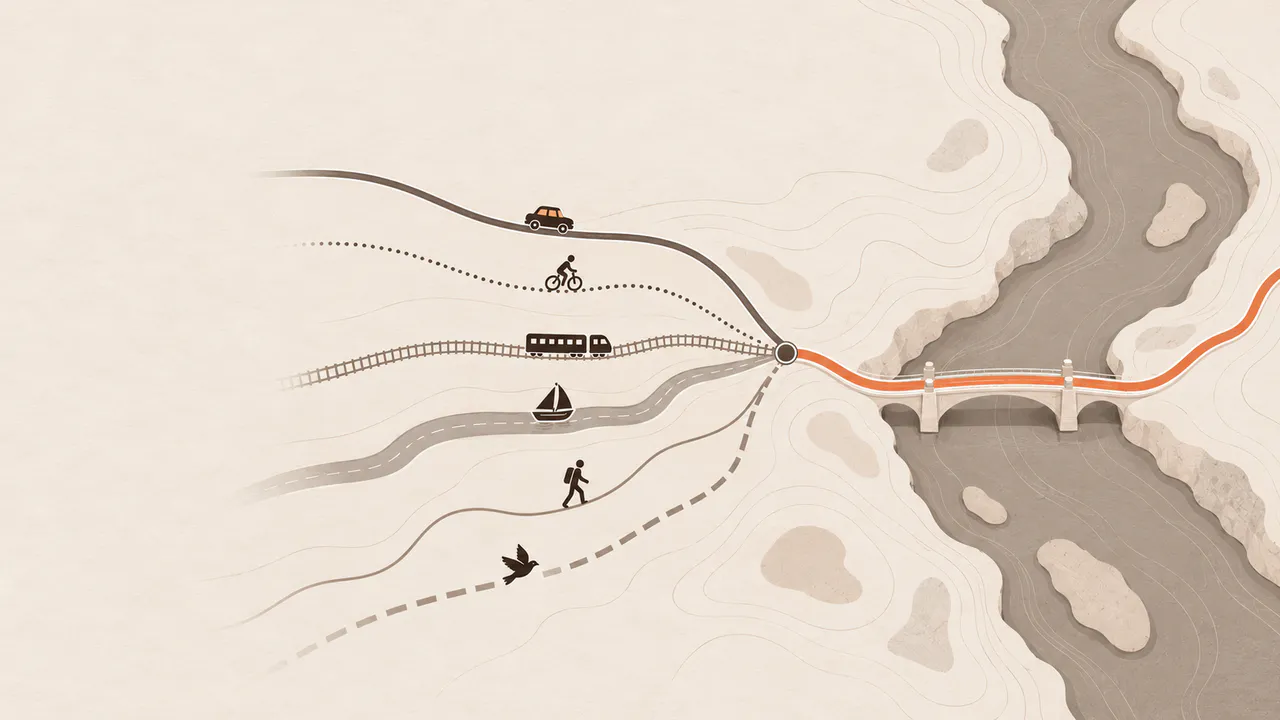
Set up OpenCode, Pi.dev, Codex, Hermes Agent, Claude Code and Claude Desktop. Check Mac memory, model fit and storage before downloading Bridge1.